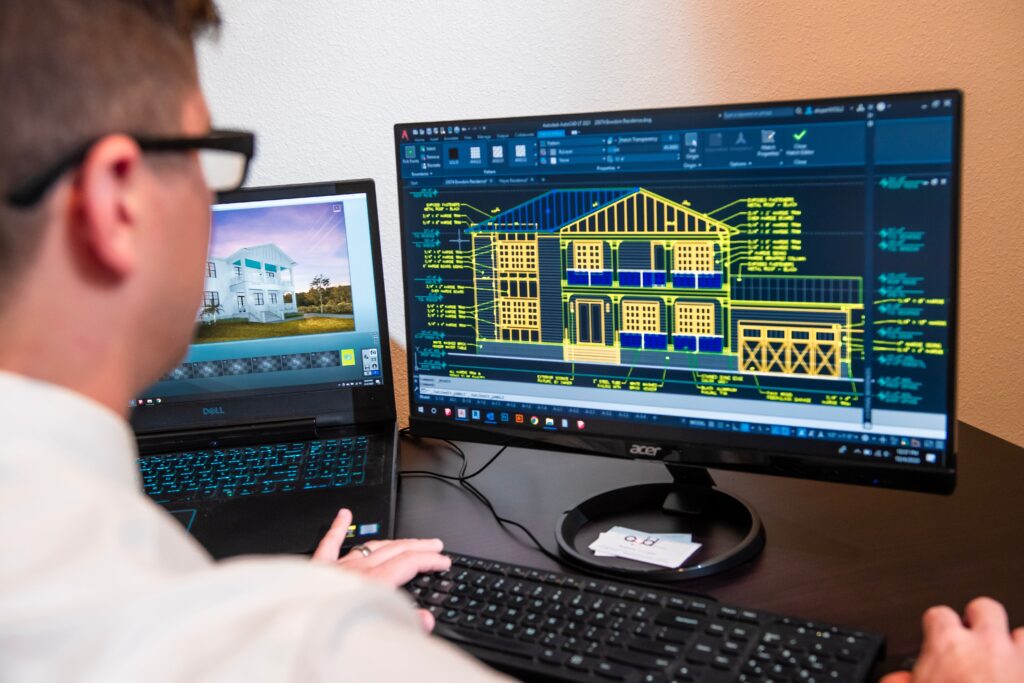
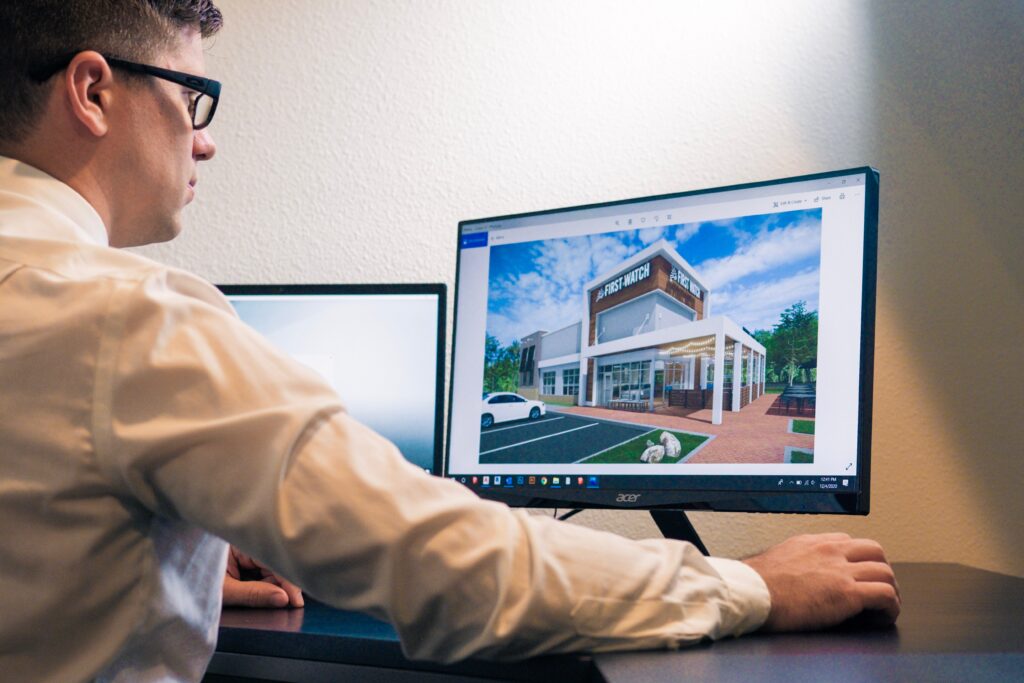
Overview of AutoCAD and its applications in design and drafting.
Understanding the user interface, workspace, and navigation tools.
Module 2: Basic Drawing Tools and Concepts
Exploring drawing commands: Line, Circle, Rectangle, Arc, etc.
Introduction to layers and their importance in organizing drawings.
Using snaps, grids, and ortho mode for precise drawing.
Module 3: Editing and Modifying Drawings
Moving, copying, rotating, mirroring, and scaling objects.
Using trim, extend, fillet, and chamfer commands for editing.
Introduction to grips and grip editing.
Module 4: Object Properties and Annotations
Understanding object properties like color, linetype, and lineweight.
Adding text annotations and labels using the Text and Dimension commands.
Exploring hatch patterns for filling areas.
Module 5: Advanced Drawing Tools
Working with polylines and splines for more complex shapes.
Creating and editing blocks for reusable components.
Exploring advanced drawing techniques like offset, array, and divide.
Module 6: Layers and Layouts
Creating and managing layers for better organization.
Introduction to layout tabs and viewports.
Setting up page layouts, title blocks, and scale for printing.
Module 7: Introduction to Floor Plans
Understanding the components of a floor plan: walls, doors, windows, etc.
Importance of scale and measurements in floor plan design.
Module 8: Designing a Basic Floor Plan
Drawing walls and defining room layouts.
Adding doors and windows with accurate dimensions.
Placing furniture and fixtures using blocks.
Module 9: Adding Details and Annotations
Adding dimensions to indicate distances and sizes.
Using text and annotations to label rooms and elements.
Applying hatching to indicate materials or areas.
Module 10: Finalizing and Printing
Arranging multiple views on layout tabs.
Setting up scale and viewports for clear presentation.
Printing or exporting the floor plan for sharing or further editing.
Highlights about M Saniya (The Instructor)
Interior / Exterior Designer
6 Years + Industry Knowledge
Architectural Tips And Tricks
Explaining Real Time Projects
Helping People to Monetize their Skills
Frequently Asked Questions
How much investment do I need to get started with Autocad?
Autocad skill needs not be expensive. You can get started with your laptop/desktop and an internet connect
What I will learn in this course?
You’ll learn everything about Autocad from scratch. If you have no idea how to use Autocad then in this course, you will learn Basics of autocad to Drawing floor Plans
Will I get job if I complete this course?
Well, to be very honest, you learn the skills and then you will be job ready but we do not guarantee as it’s upto your capabilities to grab a job.
Disclaimer: This website in no way is affiliated with FaceBook™ or any FaceBook™ entities. Once you leave FaceBook™ the responsibility no longer is on their site. Please Note: The results shall vary from person to person. During this event, we are creating an environment and providing you with necessary resources and strategies for you to be successful. However, it would completely depend upon your efforts. We have taken all necessary steps to provide you with the most accurate information on this page.